


|
Name |
Surfshark VPN |
|---|---|
|
Google Play Link |
GET IT ON
Google Play
|
|
Category |
Tools |
|
Developer |
Surfshark B.V. |
| Last version | 3.35.0 |
|
Updated |
|
|
Compatible with |
Android 5.0+ |
Introduction to Surfshark VPN APK
Surfshark VPN is a privacy and security app for Android. It helps protect your internet traffic by encrypting your connection and routing it through remote servers in many countries. People mainly use it to keep browsing private, reduce tracking, and use public Wi-Fi with less risk.
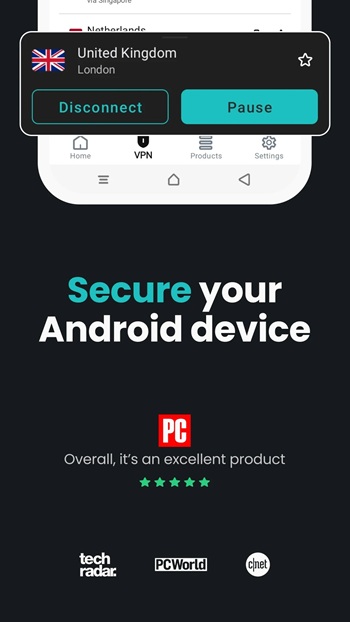
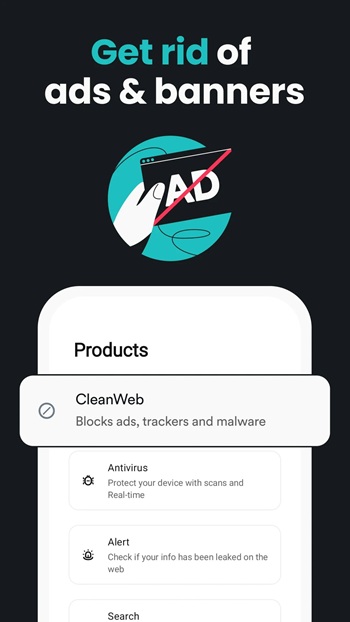
The app is built for everyday online protection. You can connect with one tap, switch between server locations, and keep your real IP address hidden while browsing, streaming, or checking social media. It also includes practical tools like a kill switch, split tunneling through Bypasser, and ad and tracker blocking through CleanWeb, so the app covers more than basic VPN use.
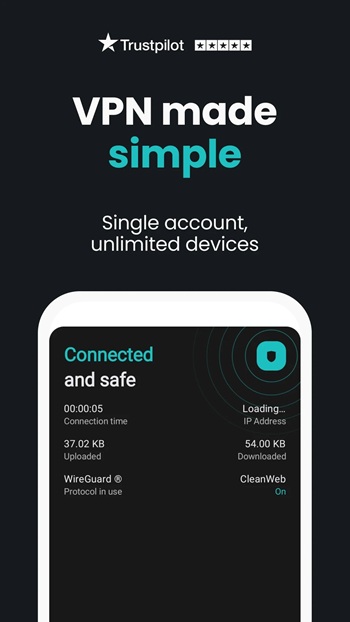
One strong point is convenience. Surfshark supports unlimited simultaneous connections under one subscription, which is useful for people with several devices at home. Android users can install it from Google Play or use the APK, and the setup process is simple enough for beginners who do not want to deal with manual VPN settings and protocol menus.
The app also adds extra privacy tools for users who want tighter control over their digital footprint. Alternative ID can generate a different online identity for sign-ups, while Alert monitors whether personal details appear in known data breaches. On supported plans, antivirus protection is also included, which makes the app feel closer to a broader security package than a single-purpose utility.
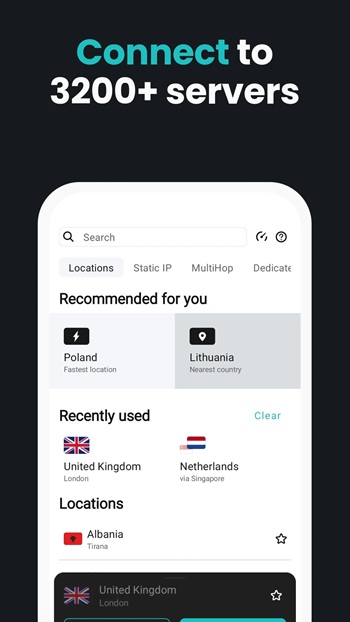
Speed and coverage are another reason people look at Surfshark. The service advertises thousands of servers across more than 100 countries, which gives users plenty of location choices. That can help when a nearby server is crowded or when someone needs a specific region for work, travel, or accessing services tied to another country. The interface stays fairly approachable, so you do not need to be a tech wizard to use those options.
There are a few downsides to keep in mind. Many of the stronger extras sit behind a paid plan after the trial period, so this is not the kind of tool that stays fully free for long. Some people may also find that advanced settings take a little time to understand, especially features like MultiHop or app bypass rules. The app also notes that full VPN functionality is not supported on IPv6-only networks, which could matter in rare connection setups.
Surfshark VPN suits people who use public Wi-Fi often, want more privacy from trackers and internet providers, or need a simple way to change virtual locations on Android. It also makes sense for families or multi-device users because one account can cover a lot of hardware at once. For casual users, it is easy to start with quick connect. For more careful users, there is enough control to fine-tune how the VPN works day to day.
FAQs Surfshark VPN
What is Surfshark VPN used for?
+
Surfshark VPN is used to encrypt your internet connection, hide your IP address, reduce tracking, and make public Wi-Fi safer on Android devices.
Does Surfshark VPN APK work on Android phones and TVs?
+
Yes. Surfshark supports Android phones, tablets, and many Android TV devices, with setup through the app or APK file.
Is Surfshark VPN good for public Wi-Fi?
+
Yes. It helps protect your data on public Wi-Fi by encrypting traffic, which can lower the risk of snooping or data theft.
What features come with Surfshark VPN APK?
+
Key features include global VPN servers, kill switch, CleanWeb ad blocking, Bypasser split tunneling, Alternative ID, Alert, and unlimited device connections.
Does Surfshark VPN have any downsides?
+
It requires a paid subscription after the trial for full access, some advanced tools may take time to learn, and full VPN support is limited on IPv6-only networks.
Discover More Interesting Apps
-
 Mod
Mod
VPN Super Unlimited Proxy
v2.34.1
83.21 Mb
Updated -
Mod
GameNative
v1.3.0
135.00 Mb
Updated -
Mod
UgPhone
v1.4.0.3
130.81 Mb
Updated -
GearUP Game Booster
v4.0.8
19.38 Mb
Updated -
HaloVPN
v20.0.0
102.55 Mb
Updated -
K2er
v0.4.125
38.70 Mb
Updated -
Mod
Spatial Touch
v1.2.18
100.28 Mb
Updated -
Helium Mobile
v4.3.1
183.36 Mb
Updated -
TikFinity
v2.7.1
89.21 Mb
Updated -
Mod
Hola VPN
vAARCH64_1.260.259
27.61 Mb
Updated










Share Your Thoughts